Audit Programmes
What it is
An audit programme is one engagement spanning several frameworks at once — SOC 2, ISO 27001, and CMMC run as a single cycle instead of three separate ones. CMDash groups every in-scope control across those frameworks by crosswalk strength, so a control that is STRONG-mapped across all three shares one evidence-collection action instead of three. Around that programme sit the surfaces an assessor actually uses once they're granted access: Continuous Audit (a rolling evidence-freshness picture instead of a point-in-time snapshot), Sampling Export (a reproducible population export an assessor can cite by seed), Audit Packages (a generated evidence bundle), and the Document Room (NDA-gated file sharing). An invited assessor reaches all of this through My Access and their own read-only nav, never through your normal sidebar.
When to use it
Start an audit programme when you're preparing for — or currently in — an assessment that touches more than one framework, and you want the shared-evidence math to do the work of figuring out what can be collected once. Use Continuous Audit between audits, to see where evidence cadence is slipping before an assessor does. Use Sampling Export when an assessor asks for "the population you drew this sample from" and expects a number they can reproduce. Use Audit Packages when you need a single downloadable bundle for a specific framework. Use the Document Room when a prospect or auditor needs your SOC 2 report or a pen test under NDA, not a raw evidence feed.
Before you start
| Page | Nav location | Tier | Feature / role notes |
|---|---|---|---|
Audit Programmes (/audit-programme) | Compliance | Command and above | Building or rebuilding the shared-evidence plan and generating the combined PBC list is OWNER/ADMIN; VIEWER can open a programme and read it. |
Continuous Audit (/continuous-audit) | Compliance | Command and above | Reads are OWNER/ADMIN/VIEWER; editing a control's evidence cadence is OWNER/ADMIN. |
Sampling Export (/sampling-export) | Security | Command and above | Reading populations and past sampling runs is open to any member; drawing a sample and downloading a population are OWNER/ADMIN. |
Audit Readiness (/audit-readiness) | Compliance | The The Skeptic add-on (not a tier rung) — it needs the add-on. | Reading findings is OWNER/ADMIN/VIEWER; running an assessment and resolving/dismissing findings are OWNER/ADMIN. |
Audit Packages (/audit-evidence) | Compliance | Enterprise — generating and listing packages requires the Enterprise plan. Generating is OWNER/ADMIN. The page itself has no tier gate or upgrade wall — a Command-tier org sees the full page and only learns it's Enterprise-only when a request is refused with a "not included in your plan" message. | |
Document Room (/document-room) | Compliance | The Trust Center add-on (not a tier rung) — every route is gated on it, so the page renders a full-page upgrade prompt rather than an empty workspace if you don't have it. Configuring it is OWNER/ADMIN. | |
My Access (/assessor-access) | Overview | No tier. Visible only to a session with an ASSESSOR grant — it is the default landing page when an assessor logs in, and it never appears in an OWNER/ADMIN/VIEWER's nav. |
How to


Build a shared-evidence plan for one programme
- Go to Compliance → All Compliance tools → Audit Programmes and click New programme.
- Give it a name, list the frameworks it covers, and set the audit period's start and end dates.
- Open the new programme and click Build plan. This groups every in-scope control across the programme's frameworks by crosswalk strength; controls mapped at STRONG or better share one evidence-collection action instead of one per framework. The Readiness panel then shows a combined percentage plus one bar per framework (e.g., "SOC 2 (41/48)"), and reports how many collection actions the grouping saved against the raw control-row count.
- Once you're ready to send requests to the auditor, click Generate combined PBC list — it's disabled until a plan exists. CMDash reports how many requests were created and how many already existed, so re-running it is safe.
- If frameworks or scope change, click Rebuild plan — the button relabels itself once a plan is present.
Watch evidence freshness continuously
- Go to Compliance → All Compliance tools → Continuous Audit and pick a framework.
- The page shows, per control, whether evidence has been collected on its expected cadence (Monthly / Quarterly / Semi-Annual / Annual) across the trailing window — not just whether evidence exists somewhere, ever. A control with no cadence set shows "Present in window" or "No evidence in window" instead.
- Every number here is computed live from the same evidence-freshness facts the Evidence page uses; a paused snapshot cron only affects the history tab, not the current summary or control matrix.
Prioritize gaps before an assessor finds them (Audit Readiness add-on)
- Go to Compliance → All Compliance tools → Audit Readiness, type a framework slug (e.g.
soc2) and click Assess now — or wait for the daily background assessment to run. - CMDash lists open findings — unmapped controls, stale evidence, CCM drift, and AI-flagged policy-text issues — ranked by severity, with an AI tag on the ones the language-model pass found rather than a rule.
- Resolve a finding once it's actually fixed, or Dismiss one that doesn't apply; either removes it from the list. This is a separate, add-on-gated surface from Audit Programmes — it prioritizes what to fix, rather than orchestrating a multi-framework evidence plan.
Export a reproducible sample for an assessor
- Go to Security → All Security tools → Sampling Export. Pick a Population (e.g., controls, remediation tasks) and, optionally, a status filter.
- Download the full population as CSV or JSON if the assessor wants the raw set first.
- Under Reproducible selection, choose a sampling Method, a sample size (by count or percent), and optionally a stratify-by attribute or a fixed seed. Leave the seed blank to auto-generate one.
- Click Select sample. CMDash reports the sample size, population size, the seed used, and a population hash — the exact citation an assessor can put in their workpapers ("seed 8813, population hash abc123...") instead of an un-reproducible spreadsheet.
- Every run is kept in Run history so a prior selection can be pointed to again.
Generate an evidence package (Enterprise)
-
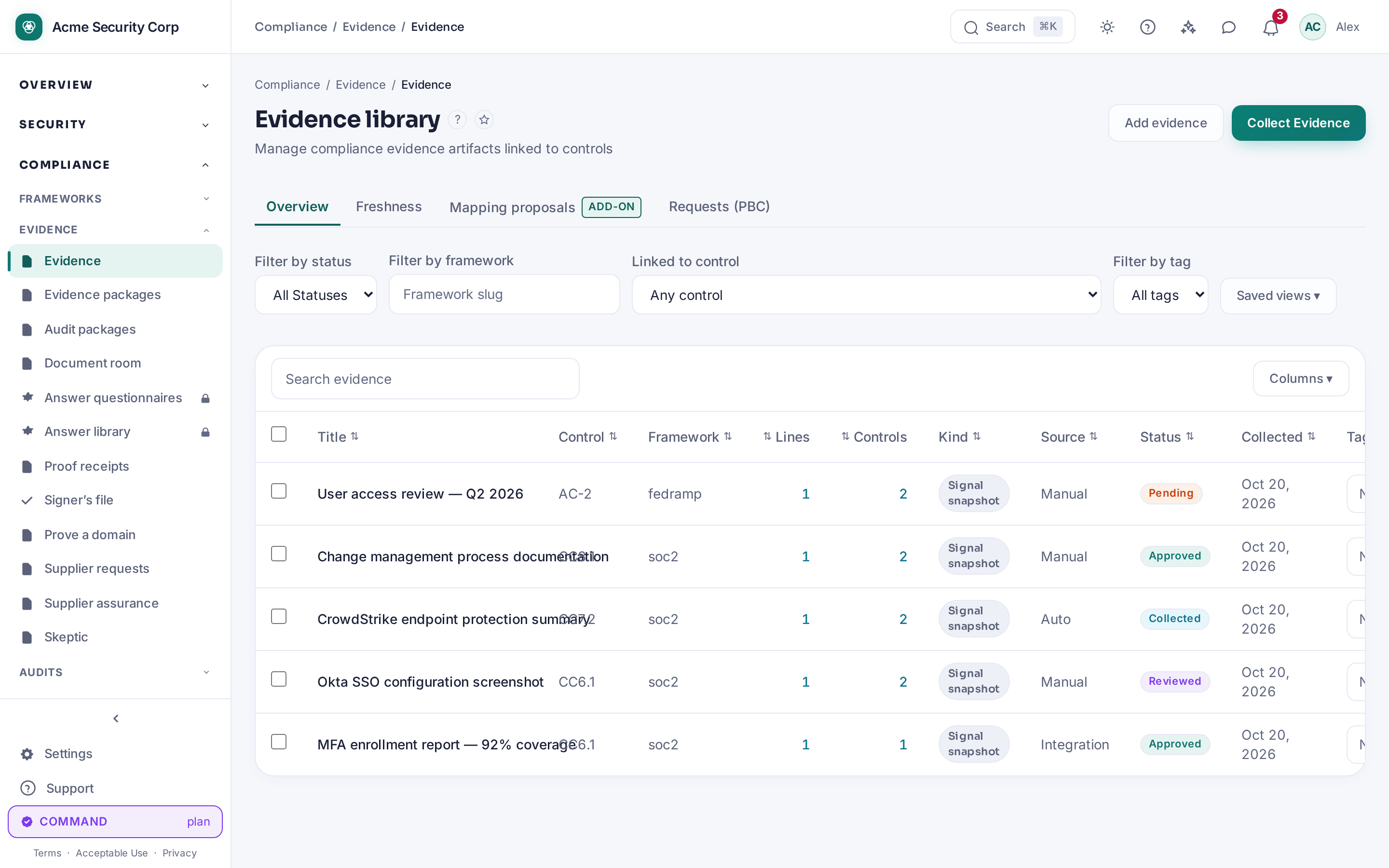
Go to Compliance → All Compliance tools → Audit Packages, name the package, pick a target framework, and check the evidence categories to include.
-
Click Generate Evidence Package. Completed packages appear in the list below with a download link.
Give an assessor access
- Go to Settings → Security & Access → External Assessors and click Invite Assessor. Enter their email, check which frameworks they may read (at least one is required — anything unchecked stays invisible to them), and pick how long access lasts (7–180 days; there's no permanent option).
- They receive an email pointing at
/assessor/accept. Accepting only creates their ASSESSOR membership — it does not log them in, so they're routed to log in or register. - Once signed in, they land on My Access, showing the organization they're reviewing, their framework scope, and days remaining on the grant. From an engagement row they can view History or raise a Finding against a specific control, which you close from the remediation side ("evidence reviewed") or by acknowledging the rationale.
Share documents under NDA
- Go to Compliance → All Compliance tools → Document Room and turn it on — CMDash requires NDA text and a version before it will let you enable it.
- Upload documents (SOC 2 reports, pen test results) and set the access-window length in hours (1–720).
- A prospect requests access from your public Trust Center page (
/trust/t/<slug>/room), accepts the NDA, and receives a one-time link. You can revoke a grant at any time — it takes effect on their very next click — and every document they open is logged.
Common questions
Does the assessor see my whole app? No. My Access and an assessor's nav only show pages marked readable for that role — Posture, Frameworks, SPRS/STIGs, Continuous Audit, Policies, Evidence (+ Freshness and Packages), Audit Packages, Audit Readiness, Evidence Requests, Control Mappings, Compliance Calendar, Document Room, Remediations, and POA&M (if entitled). Access Reviews, CCM, and your full internal Audit Logs are never shown to an assessor.
Why did Audit Packages let me build a package and then fail? The page currently has no
tier gate of its own — see the table above. If your organization is on Command, the request
will 403 with a message naming the missing EVIDENCE_PACKAGE feature rather than showing an
upgrade screen up front.
Limits: the assessor's Findings panel supports raising, withdrawing, and closing findings, but there is no bulk-export of an engagement's full finding list from that page.